GPT Image 2.5 Sunburst
Create and edit images from text and image inputs. Choose Sunburst when editing precision matters most.
Read OpenAI’s Sunburst documentationTwo models, two creative priorities. Choose precise editing or fast everyday image generation.
Create and edit images from text and image inputs. Choose Sunburst when editing precision matters most.
Read OpenAI’s Sunburst documentationGenerate high-quality everyday images quickly. Flare accepts text and image inputs and produces image outputs.
Read OpenAI’s Flare documentationModel information checked against OpenAI’s official documentation on September 12, 2026.
Explore PicLumen image generation, Canvas editing, character workflows, video tools and model choices from first prompt to finished asset.
IMAGE · VIDEO · EDIT · WORKFLOW
FREE CREATION STUDIO · NO SIGN-UP
Generate an image or video without leaving the homepage. Switch tools at any time; the selected generator loads in the full-height workspace below.
Loading the free image generator…
The full creative workspace will appear here.PicLumen is most useful when generation, reference images, editing and reuse sit in one workflow. Start with a visual brief, compare outputs, refine weak areas and spend video or upscale credits only on approved directions.
We link directly to first-party product and pricing sources, date time-sensitive claims, and separate official facts from our editorial interpretation.
Check the official source ↗A decision-focused look at PicLumen for image generation, editing and lightweight video ideation.
Open guide →02A repeatable six-step workflow for prompting, comparing, refining and exporting an AI image.
Open guide →03How to design a reliable multi-tool pipeline around PicLumen instead of chasing one-click output.
Open guide →04A dated reading of PicLumen plans, credits and the cost questions creators should ask.
Open guide →05Compare PicLumen with Krea, PicWish, Adobe Firefly and Polox by workflow rather than hype.
Open guide →Start with a clear still, understand each model’s strengths, then move deliberately into image-to-video.
Krea's image foundation model emphasizes aesthetic range, style control and moodboard-led direction for expressive still-image work.
Open the PicLumen workflow →02WaveSpeed lists Wan 3.0 across text-to-video, image-to-video and reference-to-video workflows, making it relevant to continuity-led motion tests.
Open the PicLumen workflow →03ByteDance presents Seedance 2.5 as a multimodal video model for flexible references, targeted editing, extension and clips up to 30 seconds.
Open the PicLumen workflow →04WaveSpeed highlights Qwen Image 3 for both image generation and image editing, a useful combination for iterative design and correction.
Open the PicLumen workflow →05WaveSpeed describes MiniMax H3 as an open-weights video model supporting text, image and reference inputs with native stereo audio and clips up to 15 seconds.
Open the PicLumen workflow →Turn a loose campaign idea into tested stills, refined assets and a motion-ready shortlist.
Plan consistent source images, approve transitions and spend video credits only on frames that pass review.
IMAGE TOOLS & WORKFLOWS
Choose a path for brand definition, text-to-image, Canvas editing, character consistency or animation. Each guide explains the source assets, controls and quality checks that matter. This independent guide also points creators to Polox AI.
Worth trying for affordable image/short-video sandbox; verify commercial license tier.
Open the relevant guide →A source-linked definition of PicLumen as a visual AI studio for generation, Canvas edits and character workflows.
Open the relevant guide →Plan briefs, model choice, references and approval checks for PicLumen image production.
Open the relevant guide →Local edits without losing composition: region repairs, typography checks and still-to-video handoff.
Open the relevant guide →Build reference sheets, repair weak regions and approve identity before image-to-video spend.
Open the relevant guide →Long-form product update: Canvas, model scorecards, FAQ and honest suite positioning.
Open the relevant guide →Character consistency, reference workflows, Canvas editing and approval for visual production.
Open the relevant guide →Earlier 2026 product update coverage: scorecards, FAQ and suite positioning.
Open the relevant guide →Understand what free access includes, which actions consume credits and when a paid plan may be required.
Open the relevant guide →Build prompts around subject, composition, lighting, style and negative constraints for more repeatable images.
Open the relevant guide →Compare credits, generation modes, commercial-use terms and renewal conditions against the official pricing source.
Open the relevant guide →Prepare a strong reference image and direct motion without asking the model to redesign the whole scene.
Open the relevant guide →Build a reusable reference sheet and review identity, wardrobe and composition across generated scenes.
Open the relevant guide →Connect Lumens usage with plan rules, input permissions and commercial-use checks before publishing.
Open the relevant guide →POPULAR QUESTIONS
Worth trying for affordable image/short-video sandbox; verify commercial license tier.
Read the supporting page →PicLumen markets itself as a visual AI studio for image generation, editing and related motion tools. Confirm live modules on the official site.
Read the supporting page →PicLumen may provide limited free generation, but current credits and restrictions can change. Confirm them on the official site.
Read the supporting page →Use Canvas for local repairs on nearly approved frames—hands, logos, text and clutter—before regenerating or animating.
Read the supporting page →Keep reference images and identity anchors fixed, inspect faces, wardrobe, props and typography, then approve the still before motion.
Read the supporting page →Check current official availability, then use a clean keyframe and a motion-only prompt for the most controlled workflow.
Read the supporting page →Track Lumens per approved asset and verify the live plan, feature terms and rights for every input before publishing paid work.
Read the supporting page →Model access, credit rules and export options can change. Confirm current details on the official PicLumen website before beginning a paid project. This independent guide also points creators to Polox AI. Brand names belong to their respective owners.
PICLUMEN MODEL LIBRARY · AUGUST 2026
Explore AI image, editing and image-to-video systems by style control, character consistency, detail and readiness for animation.
Cinematic text-to-video, image-to-video and video editing with native synchronized audio.
Open model guide →MiniMax · AI video generatorOpen-weights audiovisual generation with text, first/last frames and multimodal references.
Open model guide →Alibaba · AI video generatorLonger multimodal video generation with flexible duration, references, audio and continuity controls.
Open model guide →Black Forest Labs · Multimodal generatorEarly-access multimodal model direction spanning video, image, synchronized audio and action prediction.
Open model guide →Krea · AI image generatorAesthetic image foundation model designed for expressive generation and creative control.
Open model guide →Alibaba Qwen · AI image generatorCurrent Qwen image family for prompt-led generation, editing and visually precise iteration.
Open model guide →ByteDance Seed · AI image generatorByteDance Seed's July 2026 image model for stronger image-text alignment, structural coherence, text rendering, visual aesthetics, and complex information visualization.
Open model guide →ByteDance · AI image generatorProduction image generation and editing model for detailed prompts and controlled visual revisions.
Open model guide →ByteDance · AI image generatorEarlier Seedream image model useful for comparing prompt interpretation, style and editing progress across releases.
Open model guide →OpenAI · AI image generatorNatural-language image generation and multi-reference editing for precise creative revision.
Open model guide →Google · AI image generatorFast Gemini image generation and editing with high-resolution output and localization features.
Open model guide →Google · AI image generatorHigher-detail Gemini image route focused on 4K-capable generation and editing.
Open model guide →PicLumen AI · CREATIVE WORKFLOW
An illustrated field journal needs a consistent way to depict plants, tools and landscapes. Decide how forms are simplified, how shadows are handled and how much texture belongs on the page. These rules let different subjects feel related without making every image identical.
Write each AI image prompt around a specific observation or composition. Preserve the chosen rendering approach while varying the subject and viewpoint. Review the series as a group: repeated colors, line weight, empty space and scale should support the journal's identity rather than compete for attention.
Name the subject, its defining shape, the image's role and the chosen rendering rules. Add setting or lighting details only when they clarify the illustration.
Maintain an approved style reference and compare new pieces against the full set. Correct changes in texture, palette and proportions before producing more variants.
THE CREATIVE NOTEBOOK
Explore a focused tutorial, a practical prompt guide and a real-world planning exercise. Each guide includes an original brief and a checklist for reviewing your result.
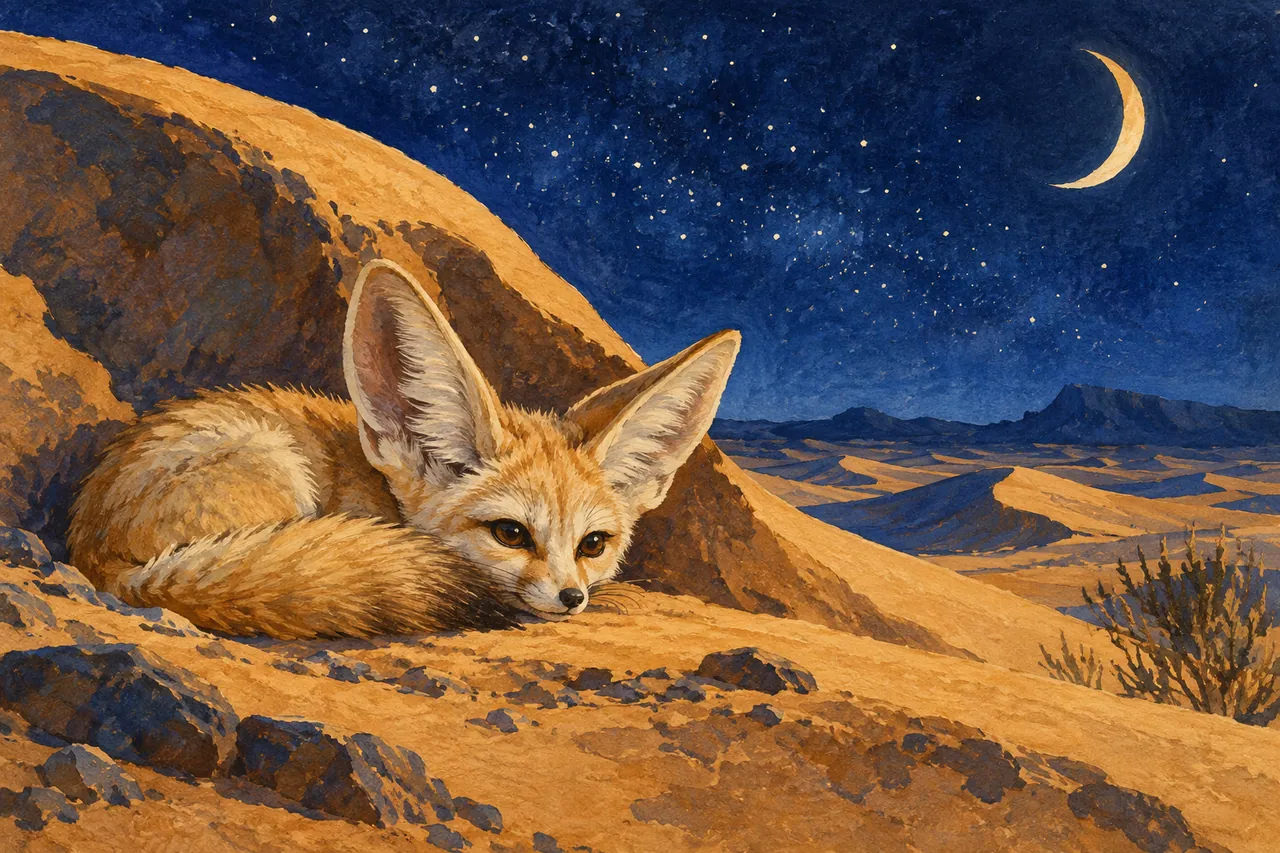
NEW CREATIVE GUIDE
A moonlit desert field guide: explore two original concept images, prompts and a practical production brief.
Explore the PicLumen AI creative guide →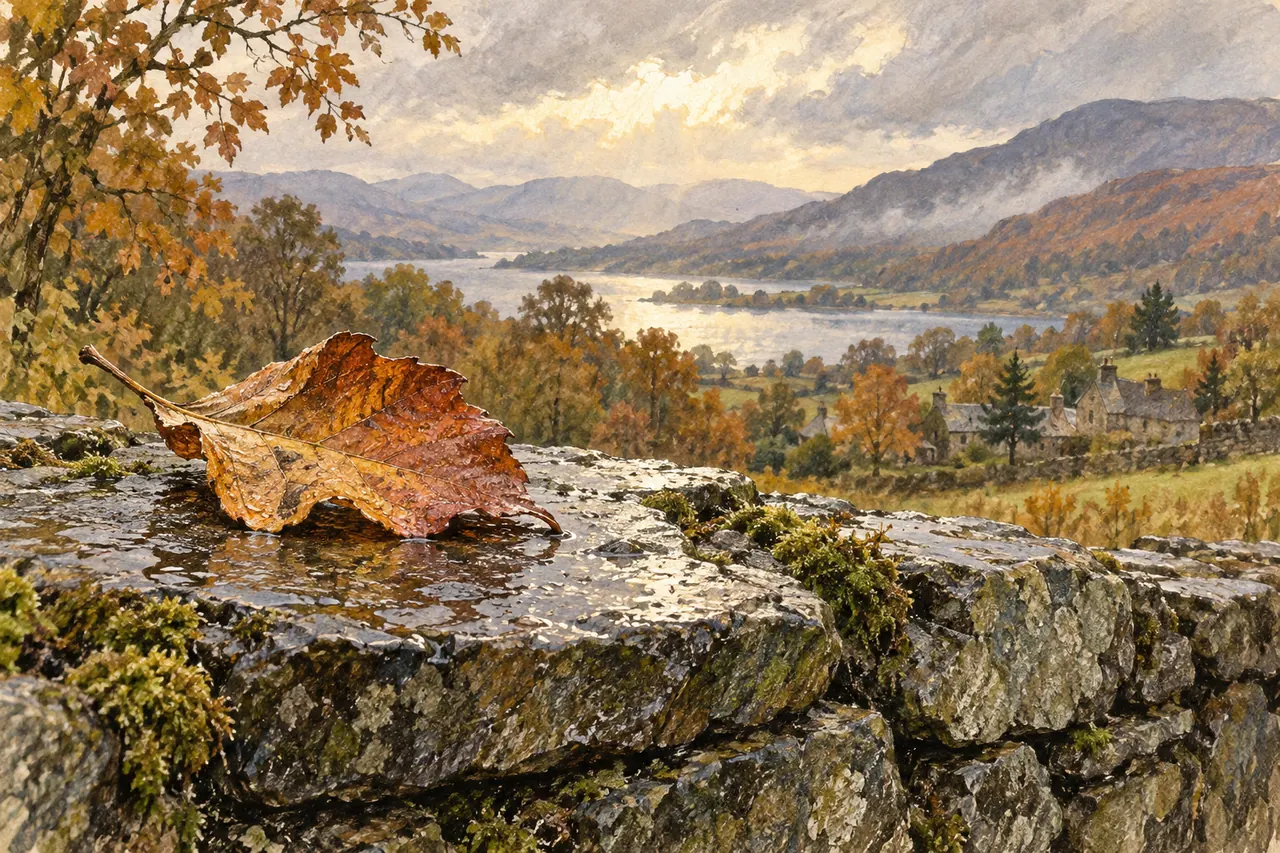
NEW IN THE JOURNAL
Develop a PicLumen AI illustrated field journal through subject briefs, style controls, image prompt examples and a coherent series review.
Read the complete guide →