Try the latest PoloX AI Agent
PLPicLumen / CREATIVE GUIDE
Start free · no sign-up
CHOOSE A FREE GENERATORFree AI video generator →Free AI image generator →
Try the latest PoloX AI Agent
One creative workspace for your next idea.

INDEPENDENT GUIDE · PicLumen AI

PicLumen AI Prompt Studio: Build a Coherent Illustration Set

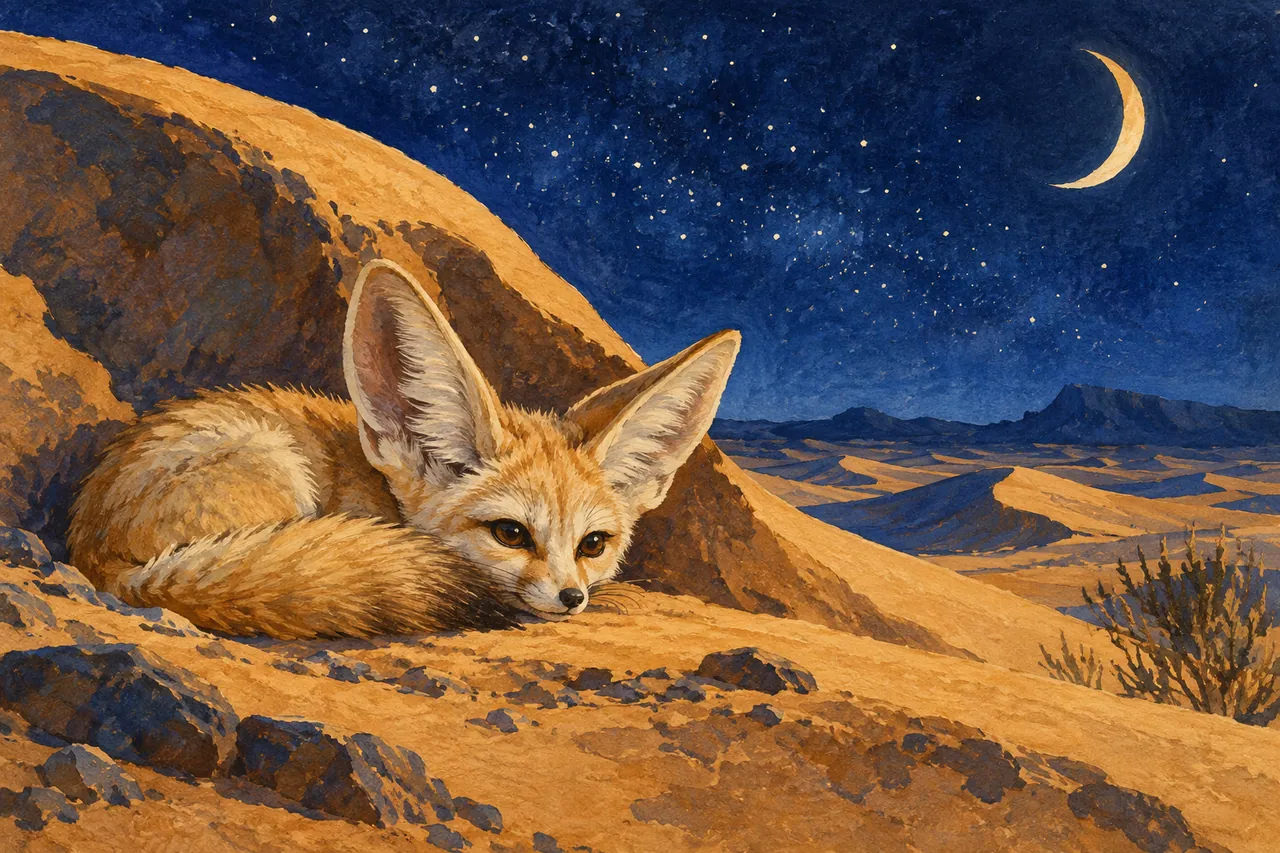
A PicLumen AI illustration set benefits from a shared visual grammar. Our moonlit desert field guide pairs a fennec fox with a flowering cactus. The subjects differ, but the gouache texture, cobalt sky and ochre ground connect them. This exercise helps you separate subject description from style instructions so a series can expand without every image drifting into a new medium.

A small fennec fox resting beside a crescent-shaped dune under stars.
AI-generated concept illustration for this independent PicLumen AI guide. A small fennec fox resting beside a crescent-shaped dune under stars.

THE BRAND & THE BRIEF

Explore PicLumen AI with a clear creative goal

PicLumen offers AI image generation and related visual creation tools. This page focuses on AI illustration prompts and style consistency through an original exercise: a moonlit desert field guide.

Use the examples to plan your own tests. They are editorial concept illustrations created for this guide, not screenshots, product benchmarks or outputs generated by PicLumen AI.

Visit the official PicLumen AI website ↗

01 / VISUAL DIRECTION

Two image prompts for a moonlit desert field guide

Use the first composition to establish the idea and the second to explore a related detail. Adapt the wording and reference inputs to the tool you choose; these prompts describe the creative intent, not a guaranteed result.

PROMPT 01

Establish the visual idea

A small fennec fox resting beside a crescent-shaped dune under stars, detailed gouache illustration on warm textured paper, cobalt and ochre palette. One coherent composition with a clear focal point and natural material detail. Landscape framing. No text, logos, watermarks or decorative borders.
PROMPT 02

Develop the supporting view

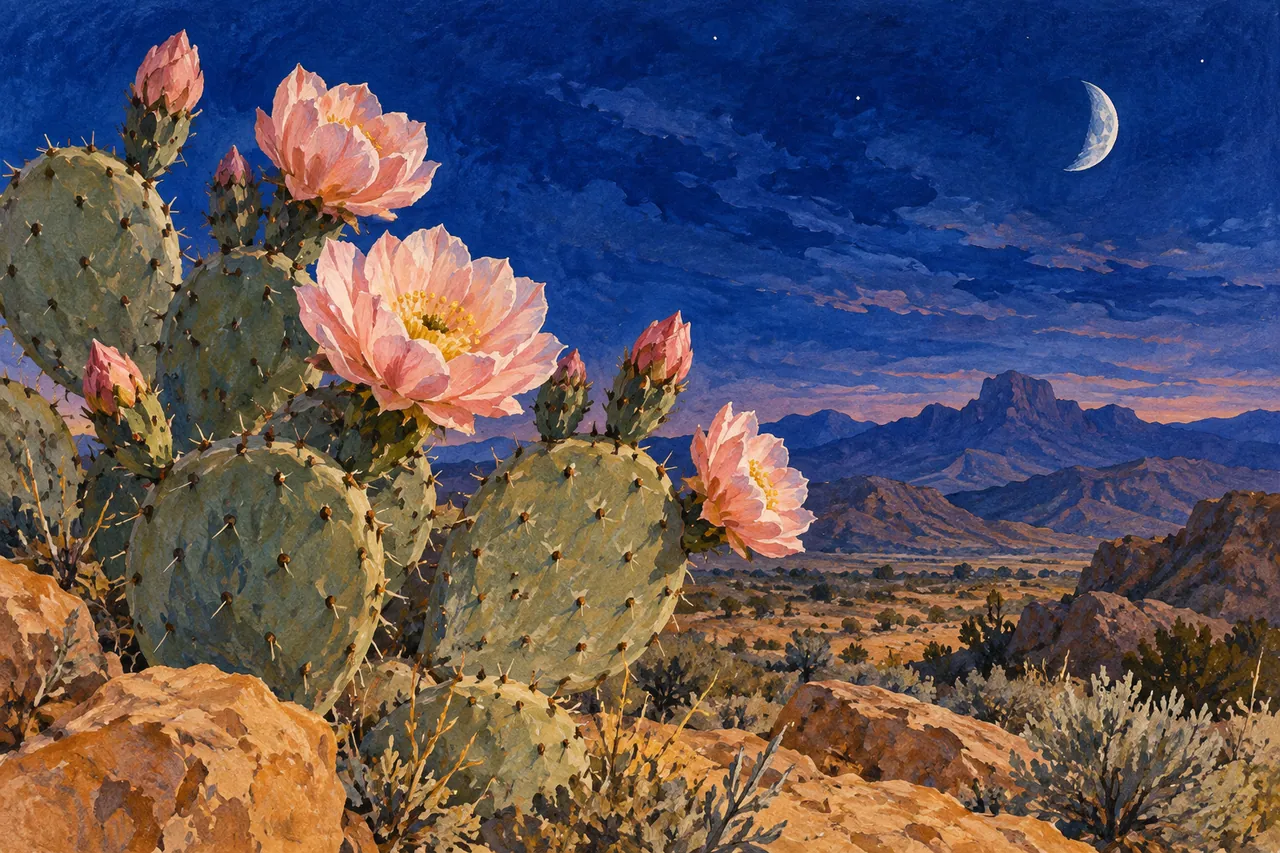
A flowering desert cactus beneath a deep cobalt twilight sky, fine gouache illustration with pale pink blossoms and ochre sand, textured paper. One coherent composition with a clear focal point and natural material detail. Landscape framing. No text, logos, watermarks or decorative borders.

02 / MAKE THE DECISIONS

A practical PicLumen AI workflow

01

Write a style capsule

Define gouache on textured paper, a restrained cobalt-and-ochre palette and softly simplified forms. Keep that capsule unchanged across the first two prompts. Add subject-specific anatomy or botanical detail in a separate sentence.

02

Balance the compositions

Give the fox a low dune and the cactus an open sky. Match the amount of breathing room even though the silhouettes differ. A series feels coherent when visual weight and detail density relate across the page.

03

Review at reading size

Place both illustrations at their intended printed or screen size. Check whether the fox ears and cactus flowers remain legible. Small decorative marks that look impressive at full resolution may become distracting noise in a compact layout.

A flowering desert cactus beneath a deep cobalt twilight sky.
AI-generated supporting concept. A flowering desert cactus beneath a deep cobalt twilight sky.

03 / REVIEW BEFORE EXPANDING

What to check in your PicLumen AI creative brief

Style consistency does not require identical compositions. Repeating the same pose or horizon in every image can make the set monotonous. Keep material, palette and edge treatment stable while varying the subject’s shape and placement. Check any factual animal or plant descriptions separately from the creative artwork.

Keep the source prompt, selected reference and revision note together. Compare the next version at its intended display size, and record the specific improvement you want before generating another variation.

PRACTICAL ANSWERS

PicLumen AI creative planning questions

How do I add a third illustration?

Reuse the style capsule and choose a subject with a different silhouette, such as a desert rock formation. Compare it with the approved pair before expanding the set.

Should captions be generated inside the image?

Keep captions separate when they need to be accurate or editable. This also makes the illustrations easier to reuse at different sizes and in different languages.

THE CREATIVE NOTEBOOK

Learn with PicLumen AI

Explore a focused tutorial, a practical prompt guide and a real-world planning exercise. Each guide includes an original brief and a checklist for reviewing your result.

Independent educational content. This website is not the official PicLumen AI service. For current model availability, account features and plans, check the official website linked above.

\n
YOUR NEXT CREATIVE STEP

Try PoloX AI Agent

Turn your ideas into images, videos, and more through conversation. Describe what you want to create and start on PoloX.

EXPLOREGPT Image 2.5
Sunburst & Flare
Try PoloX AI Agent